Dashboard
The PanDev Dashboard is the central hub for viewing metrics, managing teams, and analyzing development activity.
Dashboard Overview
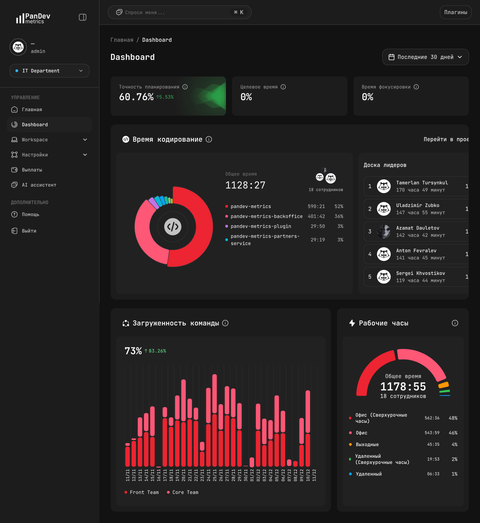
Key Sections
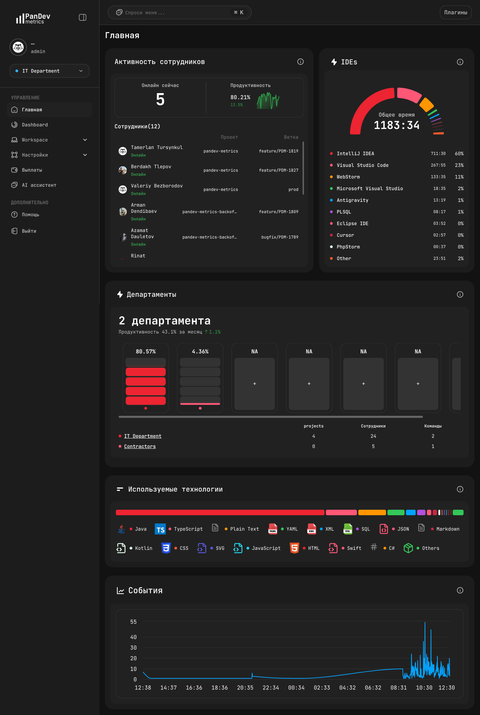
Home
Overview of key metrics and recent activity:
- Activity summary — coding hours, commits, tasks
- Team performance — velocity and productivity trends
- Alerts — anomalies and important changes
Employees
View individual developer activity and metrics:
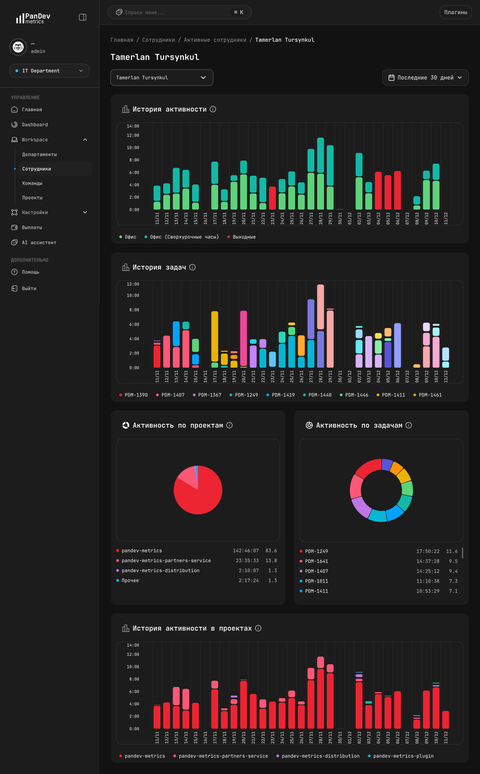
Available data:
- Coding time per day/week
- Projects and repositories
- Task activity
- Commit history
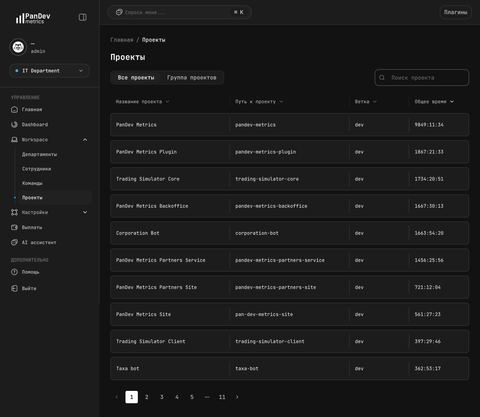
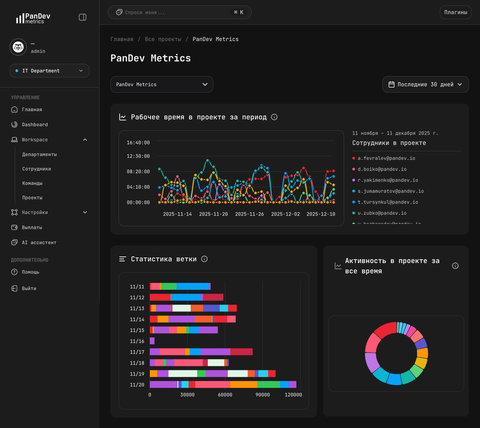
Projects
Track activity across repositories:
AI Assistant
Ask questions about your data in natural language:
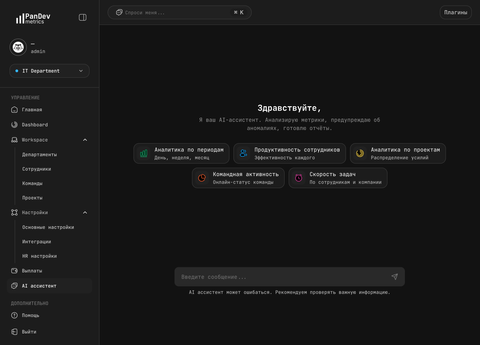
Example queries:
- "Who worked on project X last week?"
- "What's our average coding time per developer?"
- "Show overtime trends for the last month"
Filters & Navigation
Time Range
Select the analysis period — today, this week, this month, or custom range.
Team/Department
Filter data by organizational units.
Projects
Focus on specific repositories or projects.
Reports
Generate and export reports:
- PDF — shareable summaries
- CSV — for custom analysis
- Scheduled delivery — automatic reports