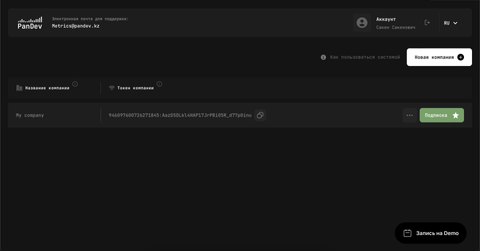
Account Registration
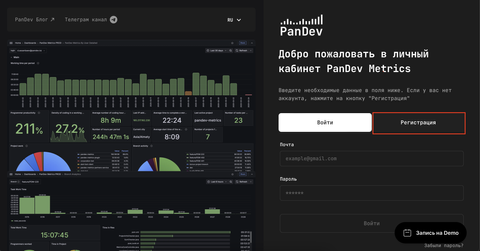
Go to the PanDev partner console and click Register
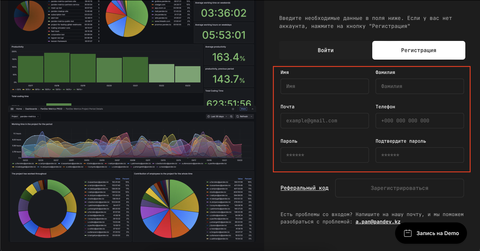
Fill in the sign-up form
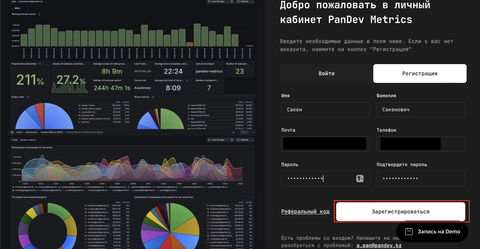
Click Sign Up
A confirmation email will be sent to the address you provided
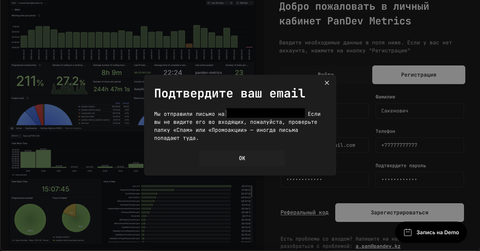
Check your inbox for a message from cabinet@pandev.io
In the email, press Confirm Email
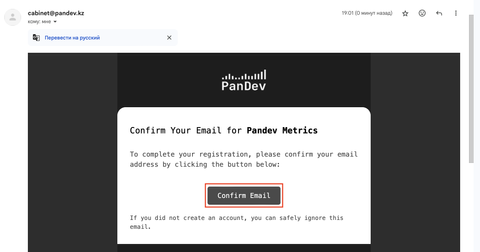
You will be redirected to the confirmation page
Enter the password you created during registration and click Continue
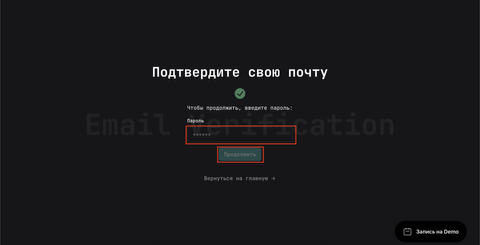
The system will redirect you to the partner console home page—next, create a company
Click New company
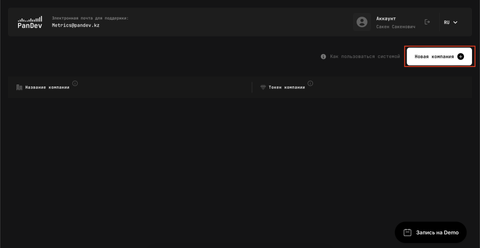
Provide your company name and click Create
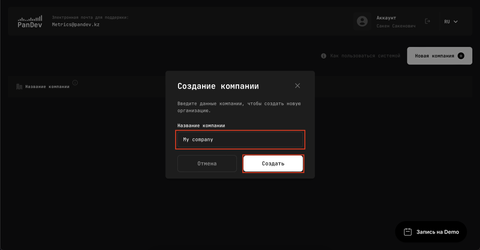
After the company is created you can copy the company token
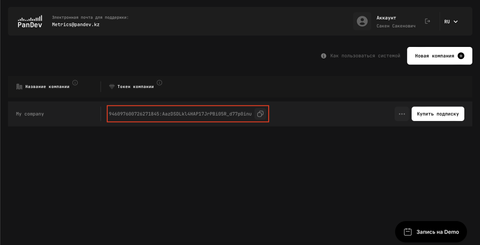
Contact us to activate your subscription
Telegram: https://t.me/ZhenaTem
Email: t.tursynkul@pandev.io